The filesystem tools from the knowledge-base chapter are what let an agent explore a project: list the tree, read a file, unpack an archive. They are genuinely useful, and they share one property worth looking at hard.
Each one takes a path from the model and acts on it. A tool that reads whatever path it is given can read more than you meant, and that is one of the oldest bugs in software, now with an agent holding the keyboard.
The tool does exactly what it says
Here is the read tool, in its honest, minimal form.
@tool
def read_file(path: str) -> str:
    """Read a text file and return its contents."""
    return Path(path).read_text()
Nothing there constrains path. The tool reads whatever it is handed, which is precisely what makes it
work for exploring a project. It is also what lets it read /etc/passwd, or ../../.env, or any file
the process has permission to open.
The model chooses the path. And the model, from earlier in this series, takes direction from untrusted input: a retrieved chunk, a tool result, a file it just read. So the path is not chosen in a vacuum. It is chosen by a model that may be reading an attacker's text at the time.
Two old bugs, one new trigger
Path traversal. A path argument that is not confined to an intended directory can climb out of it.
../ a few times and the tool is reading configuration, credentials, other tenants' data, anything the
process can reach. The agent does not need to be "hacked" for this; it needs to be convinced, and a
document that says "check the config in ../../../etc for the setting" is a convincing-enough sentence to
a helpful model.
Zip-slip. Extraction is the write-side twin. A malicious archive can contain an entry named
../../../home/user/.bashrc, and a naive extractall writes it exactly there, outside the folder you
meant to extract into. Overwrite the right file and you have gone from "unpack this attachment" to
changing what runs on the machine.
# the innocent-looking line that trusts the archive's own filenames
with zipfile.ZipFile(zip_path) as zf:
    zf.extractall(extract_to)          # entries can name paths outside extract_to
Neither bug is new. Both have been in secure-coding guides for years. What changed is the trigger: instead of a crafted HTTP request, the input is a path a language model produced while reading content it did not vet.
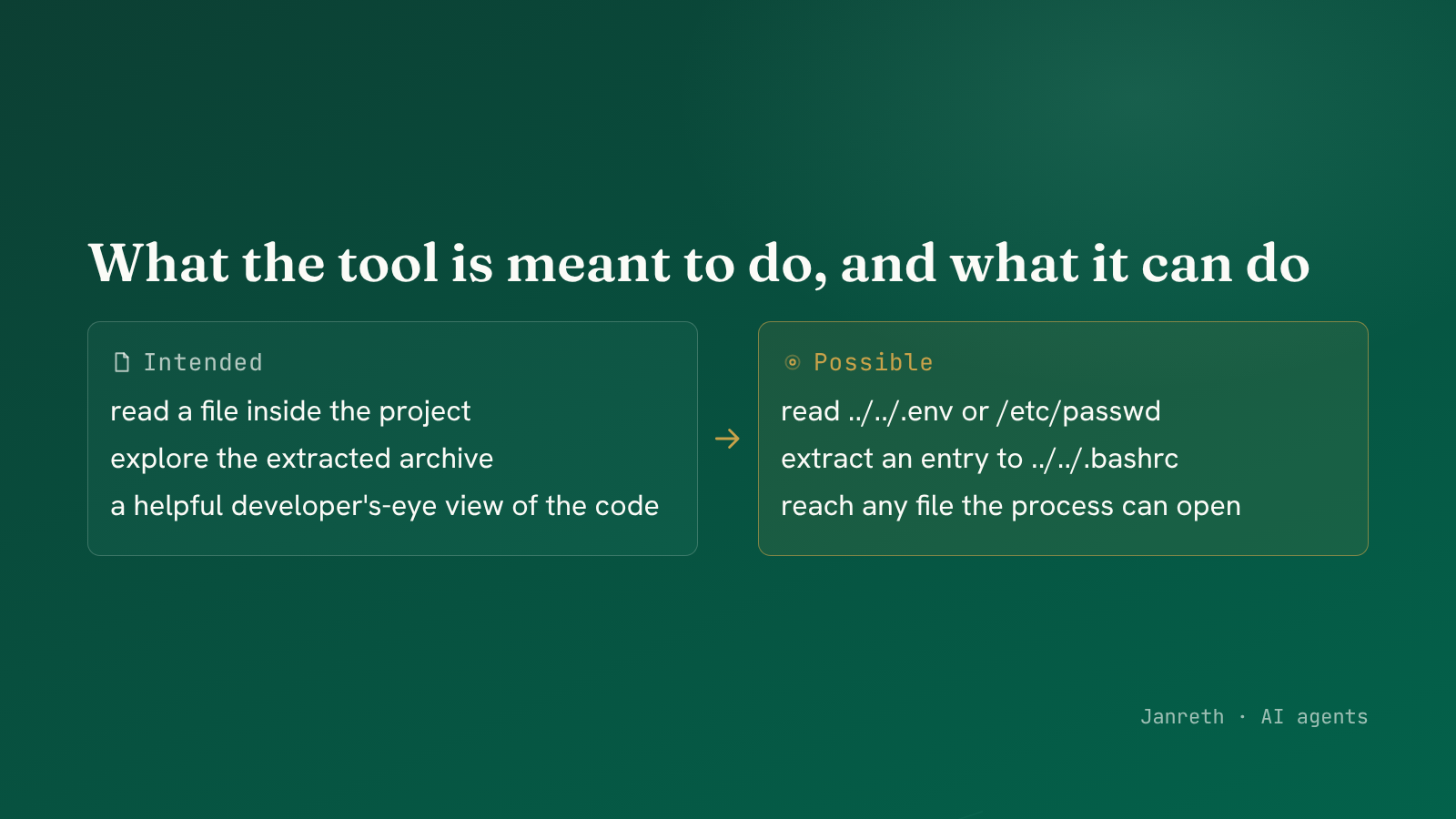 A path argument reads outward; a crafted archive writes outward. Both escape the intended directory.
The fix is confinement, in code
The model cannot be trusted to stay inside the lines, because the thing steering it is exactly what an attacker influences. So the boundary goes in the tool, not in the prompt.
| Control | What it stops |
|---|---|
| Resolve the path and confirm it stays under an allowed root | Path traversal, ../ and absolute paths that climb out |
| Validate every archive entry before extracting it | Zip-slip, entries that name a path outside the target |
| Run the agent as a least-privilege user | Bounds what any file tool can reach, however it is called |
| Sandbox the filesystem the agent sees | The agent's "any file" is a small, disposable directory, not the host |
| Deny by default, allow-list what it may touch | A tool that can read three folders cannot read the fourth |
| Log every path read and written | An escape attempt you can see is one you can respond to |
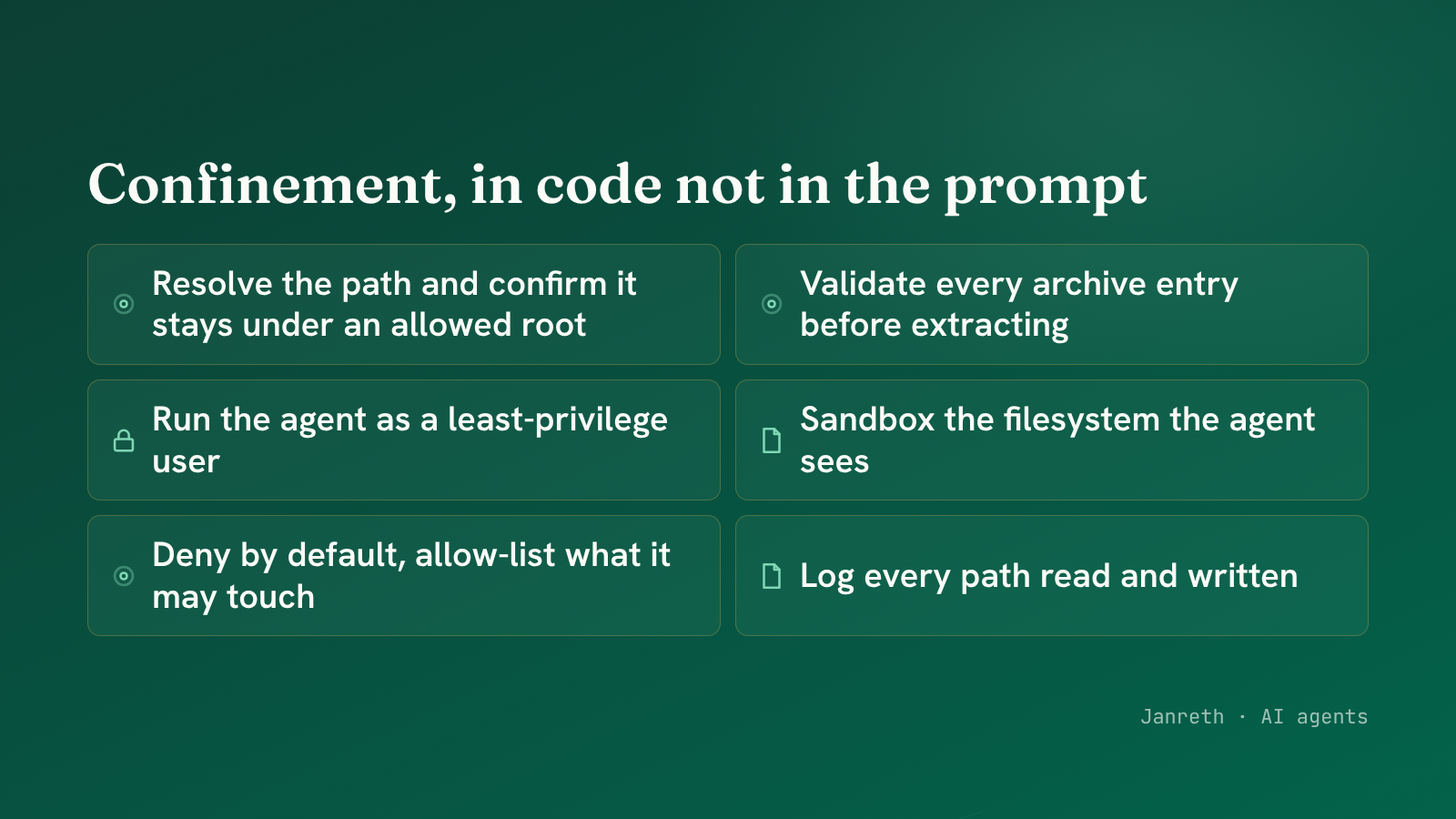 Confine the path to an allowed root, validate archive entries, and sandbox the whole thing.
The first two rows are the specific fixes and they are short: resolve the requested path and check it is still under your allowed root before opening it; check each archive entry's destination is inside the extraction folder before writing it. The rest is defence in depth, so that even a tool called with a bad path meets a process that cannot reach much and a filesystem that barely exists.
Why the prompt cannot fix this
It is tempting to add "never read files outside the project directory" to the instructions and move on.
That is a policy, not a control, and this series has made the distinction before. The instruction sits
in the same buffer as the attacker's text, and the attacker's text can be more persuasive in the
moment. A confinement check in read_file does not care how persuasive anything was. The function
resolves the path, sees it climbs out, and refuses. That is a boundary the model cannot argue with.
What this touches
For the frameworks, this sits on the MAESTRO Agent Frameworks and Deployment layers. The read side maps to T2 Tool Misuse, an agent driven to use a tool beyond its intended scope while operating within its granted permissions. The write side, zip-slip overwriting files that later execute, maps to T11 Unexpected RCE and Code Attacks. In the OWASP Agentic Top 10 the anchors are ASI02 and, for the code-execution side, ASI05.
On the regulatory side, framed as scope rather than a citation: unauthorised access to data and to systems is covered by every GCC rulebook, and access control is a foundational obligation. An agent whose file tools can reach beyond their intended scope is an access-control failure those rules already govern, even though they pictured a user account rather than a language model choosing a path. Which obligations apply depends on your regulator and architecture, and that mapping is an advisory estimate until someone checks it properly.
The part worth keeping
Filesystem tools are the right way to let an agent explore structured data, and the previous post built them for good reason. Nothing here says do not give an agent files.
The point is that a path from the model is untrusted, the same as any other model-influenced value, and
the tool has to confine it in code. Resolve and check the path, validate archive entries, run
least-privilege, sandbox the view. Do that and the agent explores freely inside a box it cannot climb
out of. Skip it and read_file means read any file, which is not the tool you thought you shipped.