Vector search is the right tool for a pile of unstructured text. Plenty of data is not a pile. A codebase, a folder of reports, an extracted zip already carries an index in its own layout.
For that data the agent should explore, not retrieve, and exploring needs only a few small tools.
How a developer reads a new codebase
Drop a developer into an unfamiliar project and watch what they do. They look at the folder structure
first. They read the names, database.py and config/, and form a guess about where things live.
They open the promising files, skim, and follow the trail the contents point to.
Nobody reads every file. The structure is the map, and the names are the signposts. This is structure-based search, and giving it to an agent means giving it the same three moves: see the layout, read a file, and unpack an archive to get started.
Three tools
List the structure. The agent needs to see the tree before it can choose.
@tool
def list_files(path: str = ".") -> str:
    """List files and folders under a path, so the agent can see the layout."""
    root = Path(path)
    return "\n".join(str(p.relative_to(root)) for p in root.rglob("*"))
Read a file. Once a name looks promising, the agent opens it.
@tool
def read_file(path: str) -> str:
    """Read a text file and return its contents."""
    return Path(path).read_text()
Unpack an archive. A zipped attachment has to be extracted before any of this works.
@tool
def unzip_file(zip_path: str, extract_to: str | None = None) -> str:
    """Extract a zip file and list what came out, so the agent can plan next steps."""
    zip_path = Path(zip_path)
    if extract_to is None:
        extract_to = zip_path.parent / zip_path.stem
    with zipfile.ZipFile(zip_path) as zf:
        zf.extractall(extract_to)
        return "\n".join(zf.namelist())
Each tool returns something the agent can act on next. list_files returns the map, read_file
returns the contents, and unzip_file returns the list of what it extracted so the agent knows where
to look.
Watching it explore
Wire those three into the agent from chapter 4 and give it the database question. The trace reads like a developer at work.
Thought:  I have a zip. Extract it first.
Action:   unzip_file("project.zip")
Observe:  README.md, requirements.txt, src/database.py, config/settings.json

Thought:  requirements.txt lists dependencies. That names the database driver.
Action:   read_file("project/requirements.txt")
Observe:  psycopg2-binary==2.9.9, sqlalchemy==2.0.25, ...

Thought:  psycopg2 is a PostgreSQL driver. I have the answer.
Answer:   The project uses PostgreSQL.
The agent never read main.py or settings.json. It used the structure and the filenames as clues,
opened one file, and stopped. That is the whole efficiency of structure-based search: the layout told
it where not to look.
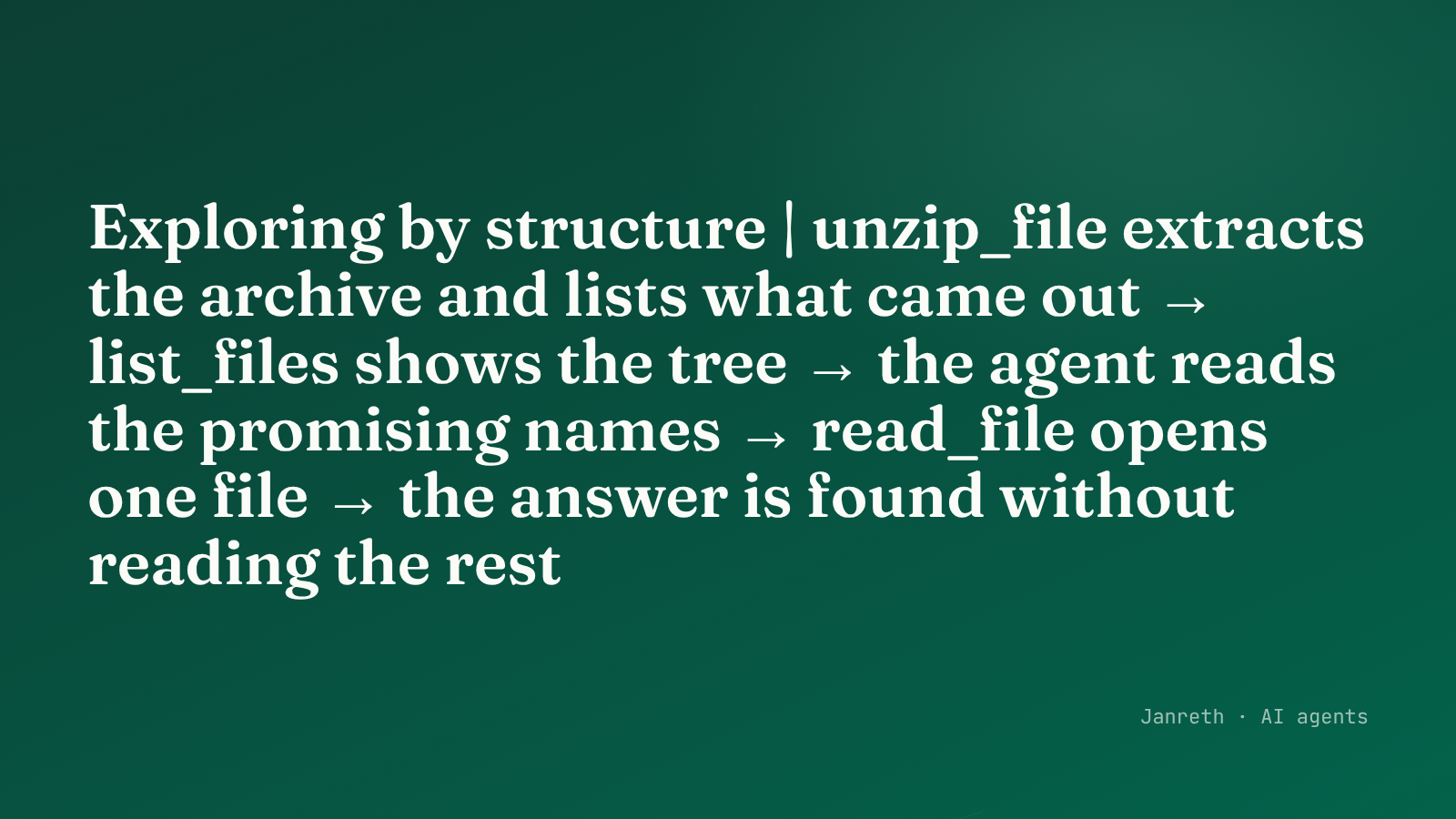 The agent explores like a developer: see the tree, follow the promising name, read one file, stop.
Why this beats embedding a codebase
You could embed every file and run vector search over a codebase. For "what database does this use?", structure-based exploration is faster and clearer: it reads two files instead of embedding forty, and the trail it followed is legible afterwards.
The choice tracks the search-methods post. Structured data with meaningful names wants exploration. Unstructured prose with no layout wants vectors. A codebase is the clearest case for the first.
| Structure-based exploration | Vector search | |
|---|---|---|
| Fits | A codebase, a file tree, an archive | A pile of unstructured prose |
| Uses | Names, folders, imports as clues | Meaning, as embedded points |
| Cost | Read a few chosen files | Embed everything up front |
| Trail | Legible: you see what it opened | Opaque: a similarity score |
A note that the security series will pick up
These three tools take a path from the model and act on it: read this file, extract to there. That is exactly what makes them useful, and it is also a capability worth thinking about carefully. A tool that reads any path the model names can read more than you meant, and an archive can extract to more places than you intended. The security series returns to filesystem tools directly.
What to take from this
- Structured data carries its own index. A codebase or a file tree is explored, not retrieved.
- Three small tools give an agent the developer's moves: list the layout, read a file, unpack an archive, each returning something to act on next.
- Match the method to the data. Names and folders as clues beats embedding everything when the structure is meaningful; the reverse holds for a flat pile of prose.
The agent can now retrieve by meaning and explore by structure. The last piece of this chapter is a way to extend the agent, to compress what it retrieves and to pause it for approval, without rewriting its core.